
Having trouble with paper jams? What You Should Do
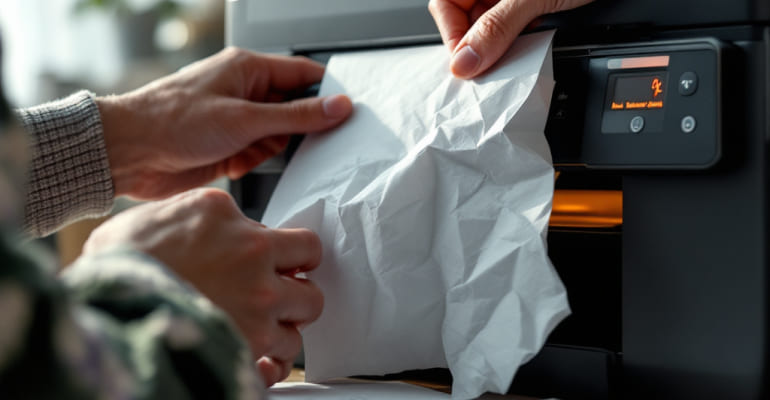
Having Trouble with Paper Jams? What You Should Do
A paper jam is one of the most frustrating printer problems, and almost everyone has faced it at some point. The good news is that most paper jams can be fixed easily at home without any professional help.
This guide explains why paper jams happen, how to safely clear them, and how to prevent them from occurring again.
What Is a Paper Jam?
A paper jam occurs when a sheet of paper gets stuck inside the printer’s rollers or feed path, causing the printing process to stop. The printer may display a warning message or beep until the jam is cleared.
Why Do Paper Jams Happen?
- Paper is not aligned properly in the tray
- Incorrect paper size or paper type is used
- Paper tray is overfilled
- Dirty or worn rollers inside the printer
- Torn, curled, or wrinkled paper
- Foreign objects blocking the paper feed path
How to Fix a Paper Jam: Step-by-Step
1. Turn Off and Unplug the Printer
Before doing anything, turn off the printer and unplug it from the power source. This prevents moving parts from causing injury or damage while you work.
2. Open the Access Panels
Open the top lid, rear access door, and main paper tray to locate where the paper is stuck.
3. Carefully Remove the Jammed Paper
- Pull the paper out slowly and evenly to avoid tearing it.
- If the paper tears, check inside for any remaining pieces.
- Do not use force—try pulling from another direction if needed.
4. Inspect the Rollers
Check the rollers inside the printer. If they appear dusty or dirty, gently clean them using a soft, lint-free cloth.
5. Load Paper Correctly
After clearing the jam, reload the paper neatly and avoid overfilling the tray. Adjust the side guides so the paper fits snugly.
6. Turn the Printer Back On
Plug the printer back in, turn it on, and print a test page to confirm the issue is resolved.
How to Prevent Paper Jams in the Future
- Always use clean, smooth, and undamaged paper.
- Do not overfill the paper tray—follow the printer’s capacity limits.
- Align paper properly before inserting the tray.
- Store paper in a dry, flat place to prevent curling.
- Clean the rollers regularly, especially if you print frequently.
Not Just Paper Jams? We Cover More.
At Ink Hiveco, we share reliable DIY printer troubleshooting guides to help you fix everything from slow printing to connectivity issues at home. Visit our blog for more easy, step-by-step solutions.
